
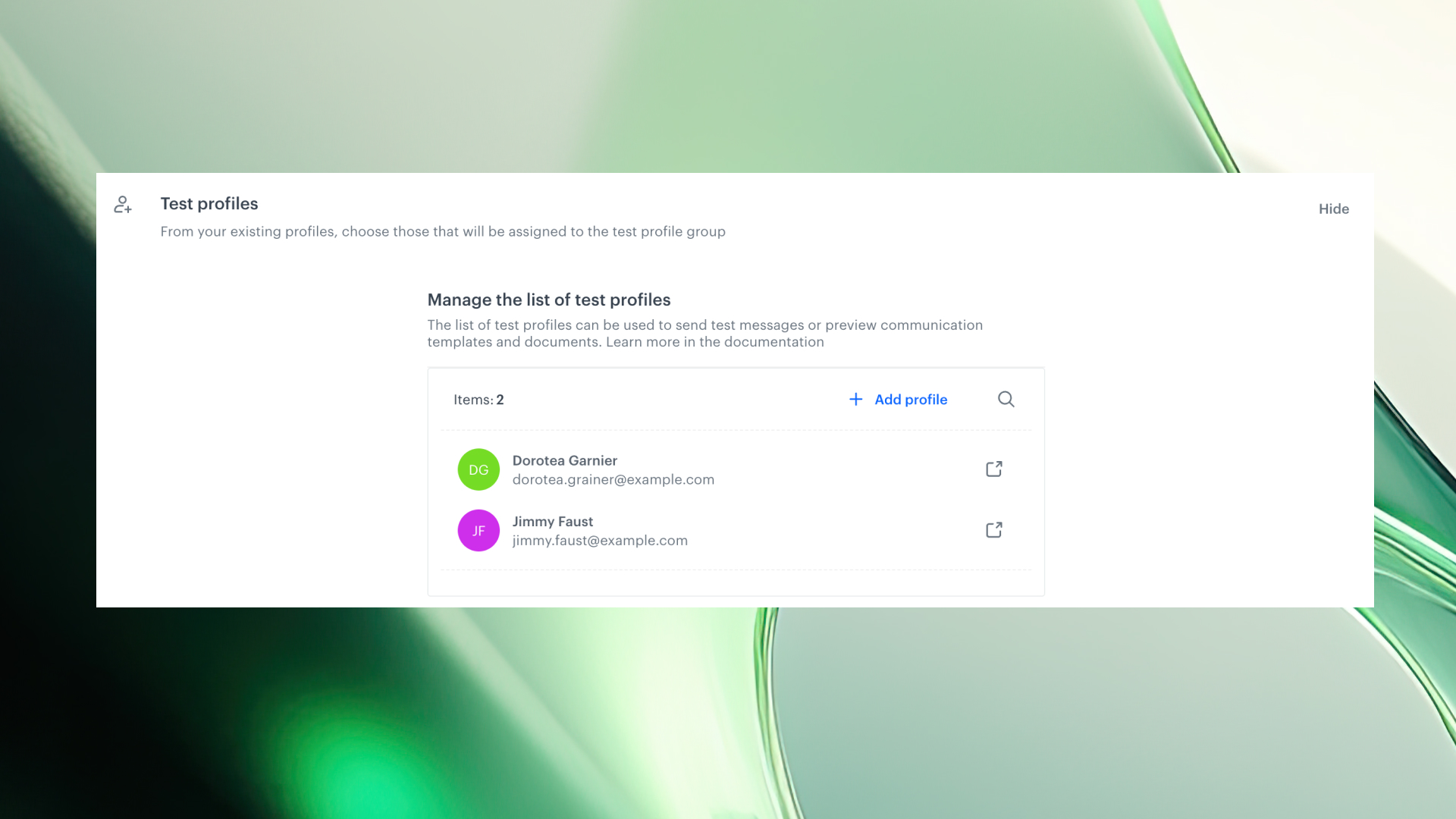
Say goodbye to repetitive searches and unreliable test runs. With test profiles, you can now define specific Profiles users—and access them instantly across the platform. From message previews to campaign simulation, your testing process just got faster, cleaner, and fully under control.
Testing your setup shouldn’t slow down your work. That’s why Synerise introduces test profiles, a new capability that lets you define specific profiles as test subjects directly in your workspace settings.
Here’s how it changes the game:
Creating and using test profiles in Synerise is simple—and gives you full control over testing across modules.
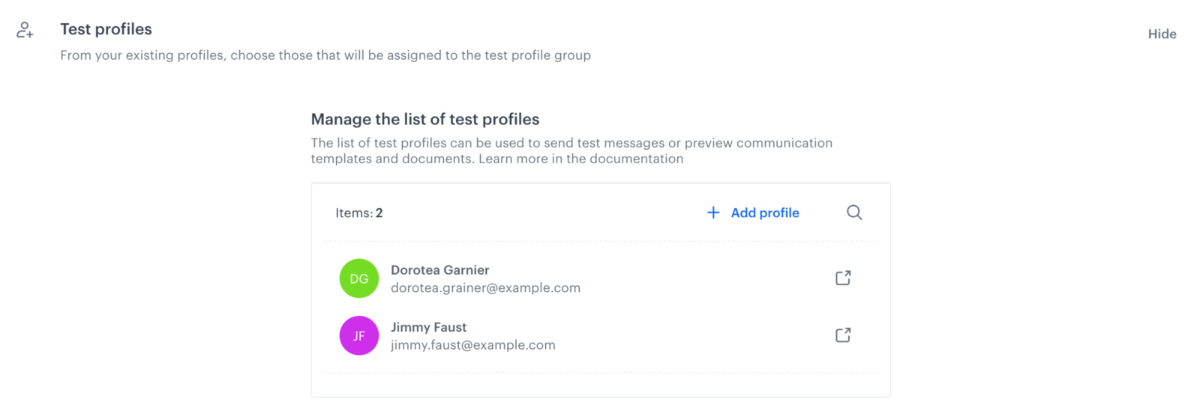
These profiles will now appear in a dedicated section of the profile picker — always ready for preview or testing purposes.
💡 Tip: Test profiles are listed at the top of the picker dropdown when previewing any message type.
Say goodbye to repetitive searches and unreliable test runs. With test profiles, you can now define specific Profiles users—and access them instantly across the platform. From message previews to campaign simulation, your testing process just got faster, cleaner, and fully under control.
Testing your setup shouldn’t slow down your work. That’s why Synerise introduces test profiles, a new capability that lets you define specific profiles as test subjects directly in your workspace settings.
Here’s how it changes the game:
Creating and using test profiles in Synerise is simple—and gives you full control over testing across modules.
These profiles will now appear in a dedicated section of the profile picker — always ready for preview or testing purposes.
💡 Tip: Test profiles are listed at the top of the picker dropdown when previewing any message type.


